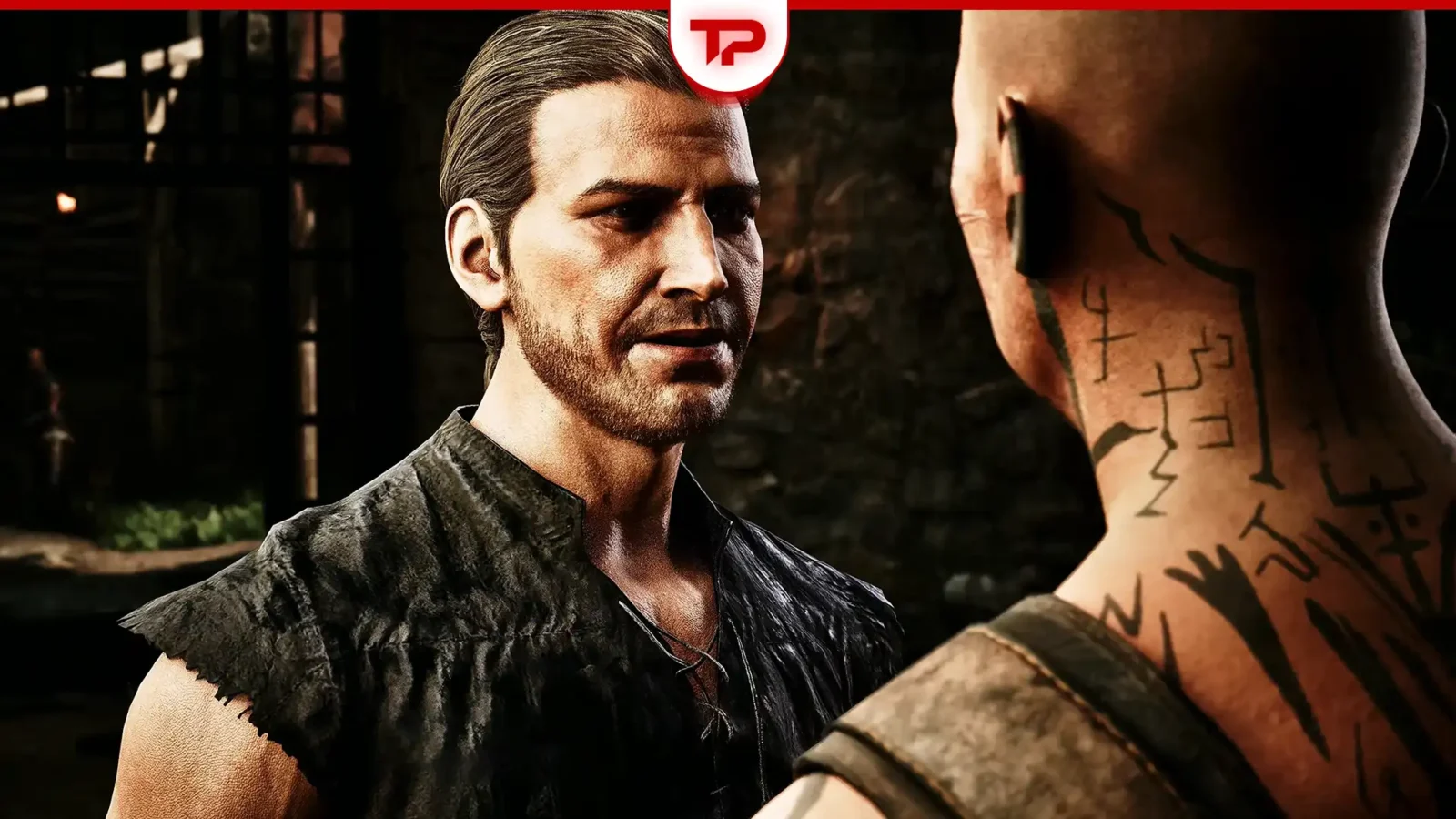
Start by naming the symptom. Low performance in a busy area, missing sound effects and a frozen conversation need different tests, even when an older guide discusses them near the same update.
Verified route notes
The performance source recommends comparing demanding settings and describes the Old Camp as a heavy area. Separate July reports discuss Melvin’s conversation-camera issue and missing footsteps or effects after a hotfix. Later notes report corrections. These are historical source observations, not confirmation that the same faults affect your current platform and build.
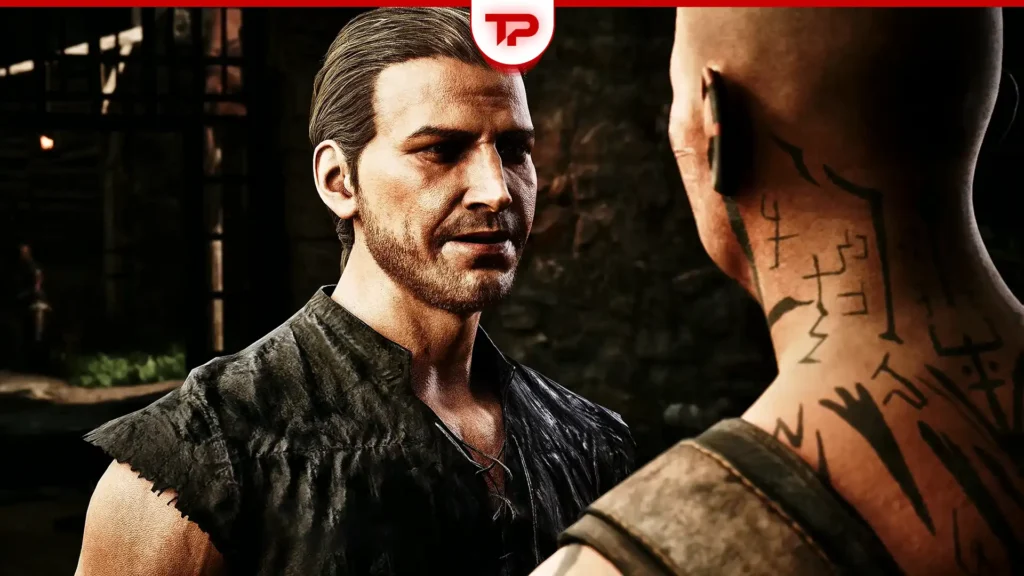
First branch: the game keeps running slowly
Choose a repeatable scene and keep the route, resolution and camera movement consistent. Compare shadows and global illumination one at a time rather than lowering every option together. If you use a performance display, keep the measurement method the same. Without a measurement, describe responsiveness and stutter honestly instead of supplying a guessed FPS improvement.
A comfortable visual configuration is a separate decision from diagnosing a fault. Motion blur or bloom may affect readability for you without explaining a conversation freeze. Keep the graphics experiment focused and record the original values so you can restore them. Do not disable security software or use an unknown replacement executable to chase an unsupported speed promise.
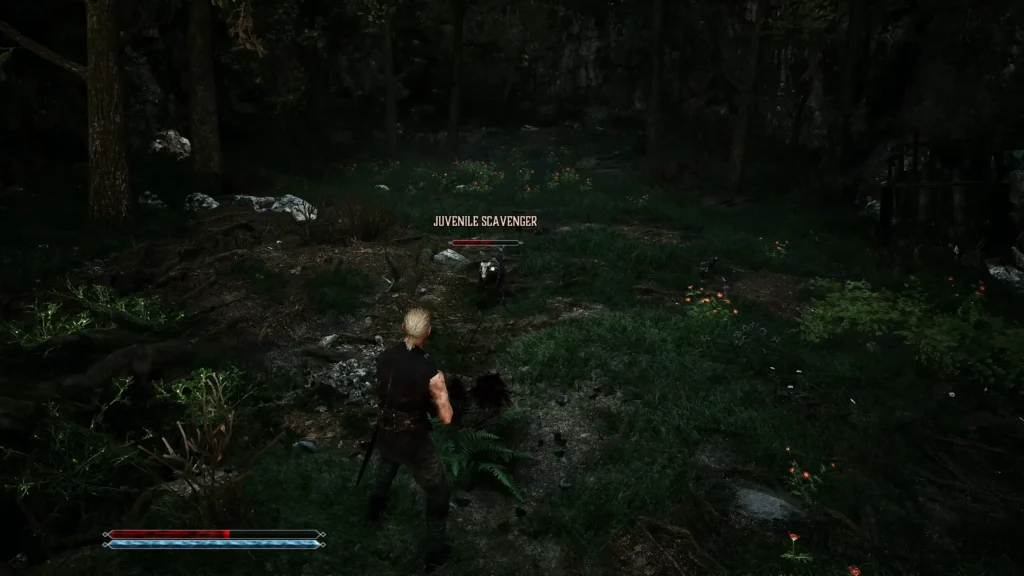
Second branch: only some sounds disappear
Separate music, dialogue and movement effects in your listening notes. If everything is silent, inspect normal output and volume settings as well. If music remains while footsteps disappear, compare that specific symptom with the dated source report. Use one short route for the retest and keep the listening volume comfortable in case sound returns suddenly.
A reload that restores sound once is a temporary observation, not proof of a permanent repair. Note whether the result survives the same route or interaction. Keep historical music-toggle suggestions separate from current official updates, and do not combine several adjustments if you want to know which one changed the symptom.
Third branch: the conversation stops responding
Identify whether the camera freezes or the NPC simply lacks the expected topic. Missing dialogue can require a quest-progress check rather than the Melvin bug procedure. Preserve a save before the problematic conversation if available, record the last successful moment and retry only the relevant scenario after an official update. Launching the game successfully does not test a conversation-specific fault.
One report, one reproduction path
For any branch, include platform, installed build, exact symptom, the starting save or location, and the result of each attempted change. Keep the July dates attached to historical claims. Do not roll back blindly: this guide does not verify older-build save compatibility. A precise unresolved report is more useful than a long list of unrelated fixes presented as guaranteed solutions.
Source and scope
Game-specific route notes: Editorial synthesis of the linked Gothic guides. Additional planning and troubleshooting advice is GameThrum editorial guidance. This is not a firsthand gameplay review.
Related source guides
Gothic Remake Performance Fix Guide · Gothic Remake Melvin Bug Fixed in 1.0.3 Hotfix · Gothic 1 Remake Sound Bug After 1.0.3 Hotfix: How to Fix It


