
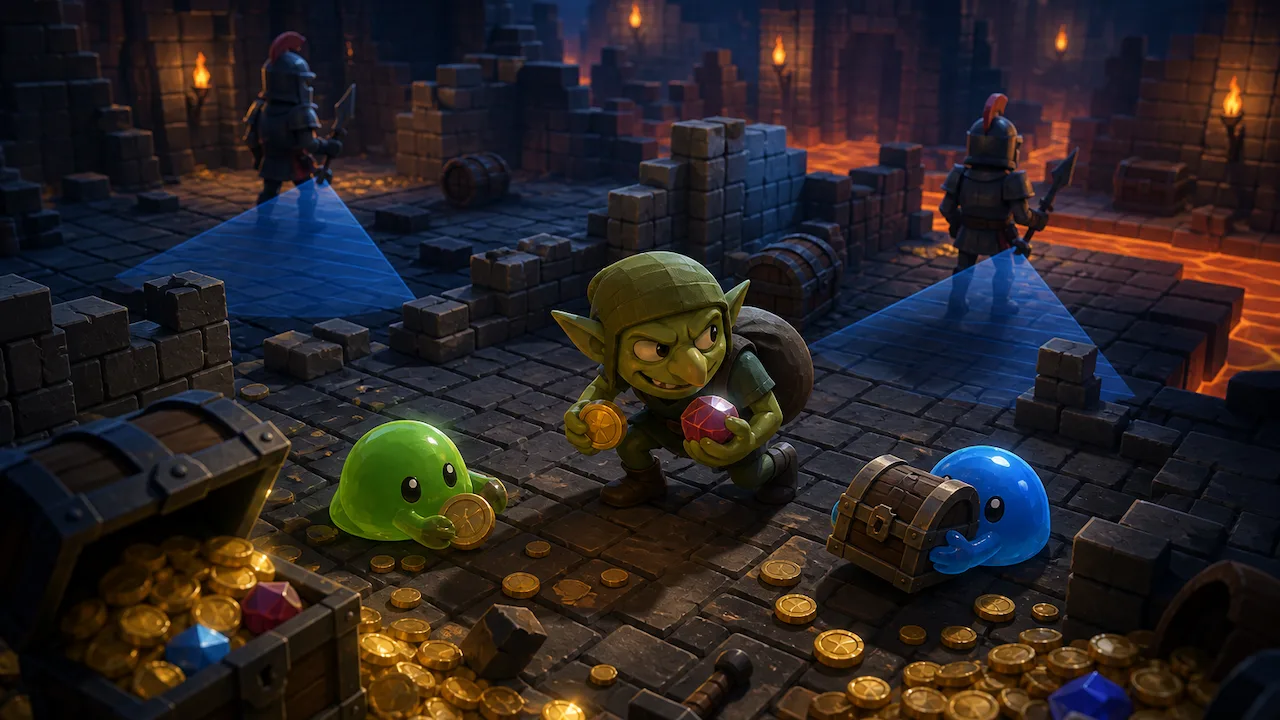
Loot Goblin has native Windows and macOS listings, with different hardware and storage requirements. Steam also lists full controller support, Steam Cloud, and achievements.
Loot Goblin Windows requirements
The Windows specification is split into minimum and recommended tiers. Both require a 64-bit processor and operating system, and both list 700 MB of available storage. The main differences are the processor, memory, graphics card, and the addition of Windows 11 to the recommended operating-system line.
| Component | Minimum | Recommended |
|---|---|---|
| Operating system | Windows 10 (64-bit) | Windows 10 or 11 (64-bit) |
| Processor | Intel Core i3-4160 or AMD FX-4300 | Intel Core i5-6500 or AMD Ryzen 3 1200 |
| Memory | 4 GB RAM | 8 GB RAM |
| Graphics | Intel HD 4400, Nvidia GT 730, or AMD R7 240 | Nvidia GTX 750 Ti or AMD R7 360 |
| Storage | 700 MB available space | 700 MB available space |
The store page does not publish a target resolution or frame rate for either tier. It also does not explain which graphical settings correspond to the minimum and recommended hardware. The named parts are useful compatibility references, but they are not a performance guarantee.
Loot Goblin macOS requirements
Steam lists native macOS support, with separate minimum and recommended specifications. The minimum names an Intel Core i3 from 2015 or later and Intel Iris 5000 graphics. The recommended tier names either Apple M1 or an Intel Core i5 processor, with Apple M1 or AMD Radeon Pro 555 graphics.
| Component | Minimum | Recommended |
|---|---|---|
| Operating system | macOS 10.15 Catalina | macOS 12 Monterey |
| Processor | Intel Core i3 (2015 or later) | Apple M1 or Intel Core i5 |
| Memory | 500 MB RAM | 4 GB RAM |
| Graphics | Intel Iris 5000 | Apple M1 or AMD Radeon Pro 555 |
| Storage | 900 MB available space | 900 MB available space |
The 500 MB minimum-memory figure is unusual, but it is the number currently printed on the official listing. It should not be silently changed to 500 MB of storage: the same table separately asks for 900 MB of available disk space. Steam does not state whether every Intel or Apple Silicon configuration beyond the named examples has been tested.
Is Linux supported?
Steam marks Windows and macOS as supported platforms. It does not list native Linux support, and the Linux requirements section contains no hardware specification. That leaves native Linux availability unconfirmed.
The page also does not publish a Steam Deck compatibility result. That absence establishes neither support nor a lack of support, so this guide leaves Deck compatibility unconfirmed. Players who depend on Linux or Steam Deck support should check the live store page for a later platform update.
Controller and input support
The Steam feature list claims full controller support. It separately names DualShock and DualSense controller support, and it includes a keyboard-only option. Those labels establish the advertised input options, but the public page does not provide a button map, remapping instructions, or a list of every tested controller model.
| Feature | Store status | What remains undocumented |
|---|---|---|
| Full controller support | Listed | No public button map or complete device list |
| DualShock support | Listed | No model-by-model compatibility detail |
| DualSense support | Listed | No claim about adaptive triggers or haptic features |
| Keyboard-only option | Listed | No public keybinding guide |
| Playable without timed input | Listed | No detailed accessibility settings page |
| Save anytime | Listed | No explanation of save slots or autosave behavior |
Steam also lists custom volume controls and stereo sound. The listing does not break the volume controls into music, effects, dialogue, or other channels, so that level of detail remains unknown.
Steam features and supported languages
Loot Goblin is listed as a single-player game with Steam achievements, Steam Cloud, and Family Sharing. The public page does not explain which save data Steam Cloud synchronizes or document any game-specific Family Sharing restrictions. The public page does not document any game-specific sharing conditions beyond the Family Sharing label.
The language table lists interface support in English, French, German, Spanish from Spain, Japanese, Korean, Brazilian Portuguese, Russian, and Simplified Chinese. Steam’s structured listing does not claim full audio support for those languages, so the safest reading is that the interface is localized in all nine.
What the game description confirms
Rocky Strait Studios describes Loot Goblin as a single-player incremental game about stealing treasure, recruiting slimes to automate hoarding, buying upgrades, and working toward retirement. That is the developer’s description rather than an independent evaluation. This guide does not make claims about balance, performance, progression speed, or how well any feature works in practice.
Before buying
- For Windows, compare your CPU and GPU with the named minimum parts and keep at least 700 MB free.
- For macOS, check both the operating-system version and processor family; the published minimum and recommended tiers name different Intel and Apple hardware.
- Do not assume native Linux support or documented Steam Deck compatibility from the current listing.
- Treat controller and accessibility labels as advertised support until the developer publishes more detailed setup documentation.
- Recheck the live Steam listing if platform support or language availability affects your purchase.
Player discussion
Join the discussion
Comments appear after editorial approval. Replies stay attached to the comment they answer.